¶ Issue
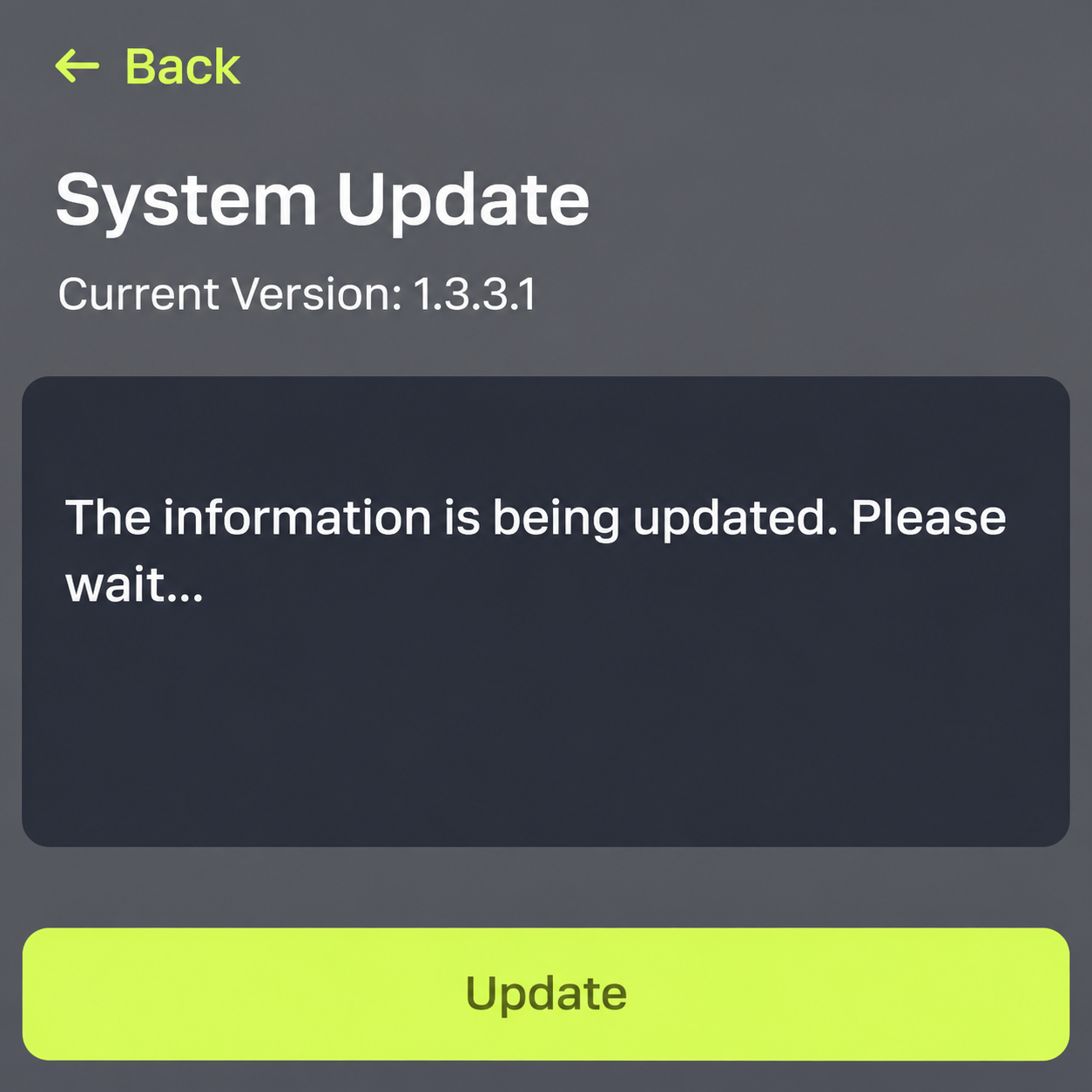
The software update doesn’t finish. The screen stays on “The information being updated. Please wait...”, and tapping the Update button does nothing.
¶ How to Check
¶ Solution
-
Check if your Wi-Fi is connected.
Go to Settings > Connections > Wi-Fi. -
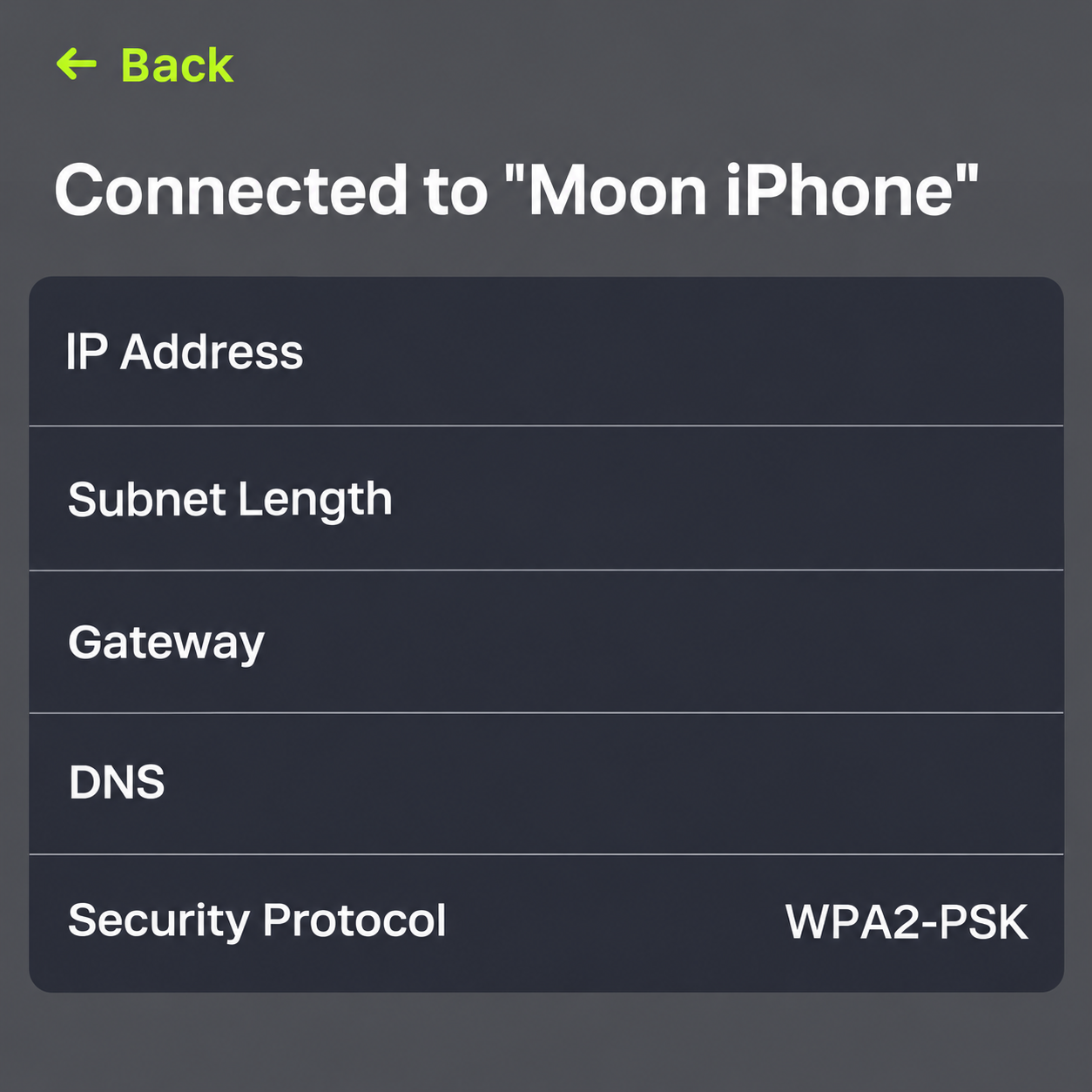
Check if the Wi-Fi connected has an IP address. If there is no IP address, try to reconnect or connect to another Wi-Fi.
-
Retry the software update (see Guide to Update Your Device).
-
If the update still fails, take a photo or video of the error and immediately submit an Issue Report from the vehicle (see Guide to Upload Logs via Vehicle for Troubleshooting).
-
Contact us at support@strutt.inc so we can investigate the issue and provide a suitable solution.